
Password Recovery For FlashFXP Price:$49 Password Recovery Software For FlashFXP Software provides instant recovery of lost password From FlashFXP Software. Simple to operate program retrieves passwords even with special characters.
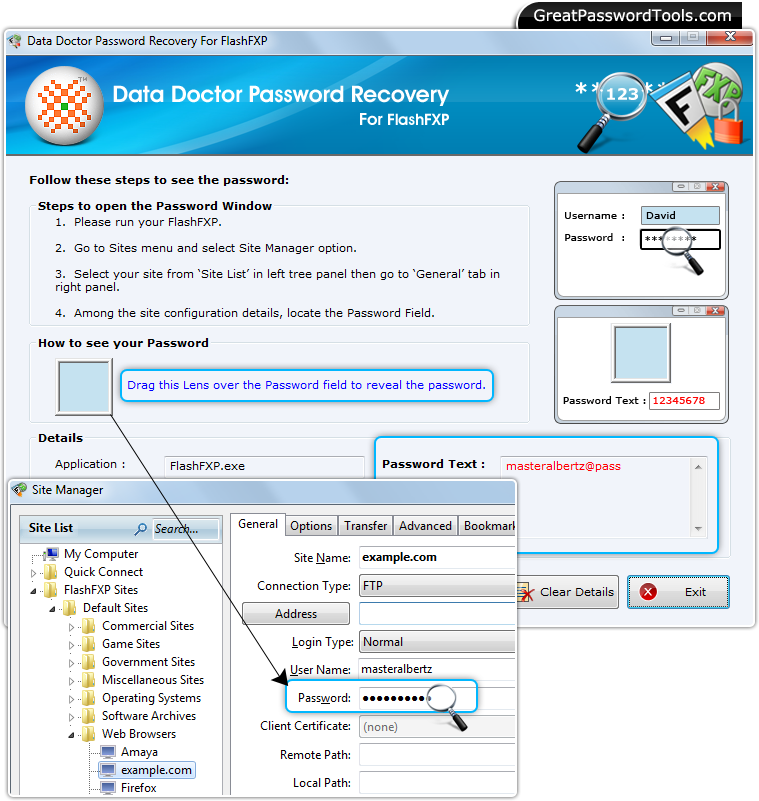
Procedure to recover lost password from FlashFXP
Step – 1 : Install and Run Password Recovery Software For FlashFXP
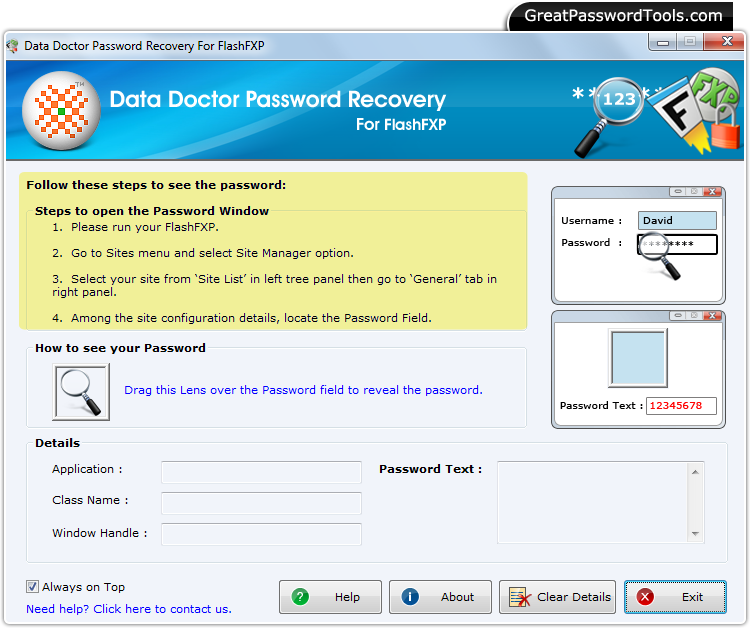
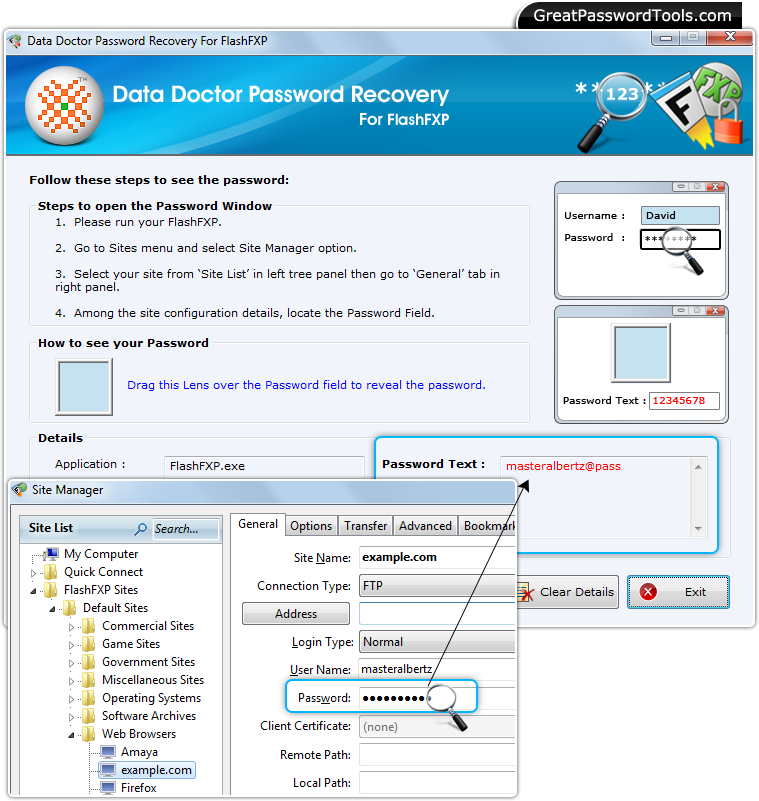
Install Password Recovery Software For FlashFXP and Run it. After running the software, above window will be open. Step – 2 : Open FlashFXP Software and Go to ‘Sites’ Menu
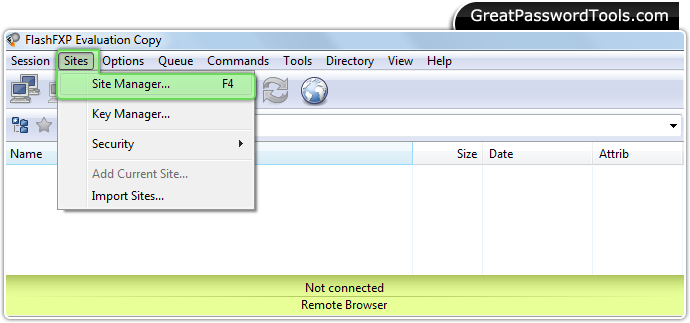
Open FlashFXP Software and Select 'Site Manager' option from ‘Sites’ Menu. Step – 3 : Password Field
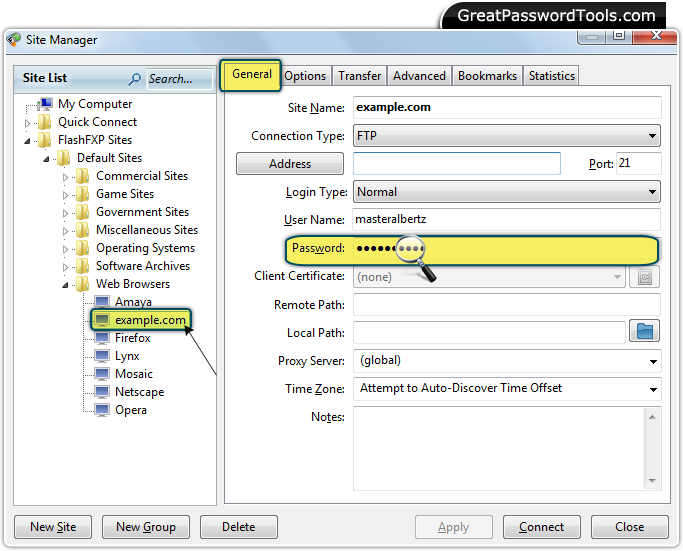
Select your site from 'Site List' in left panel and then click on 'General tab' in right panel to view password field. Step –4 : Recover Password
Drag lens over password field to recover lost password. |
Price:$49
If you have any query, Contact Us
Password Recovery Software |